
NONotion Connector · Connector
Bring your Notion data into Clevertrek
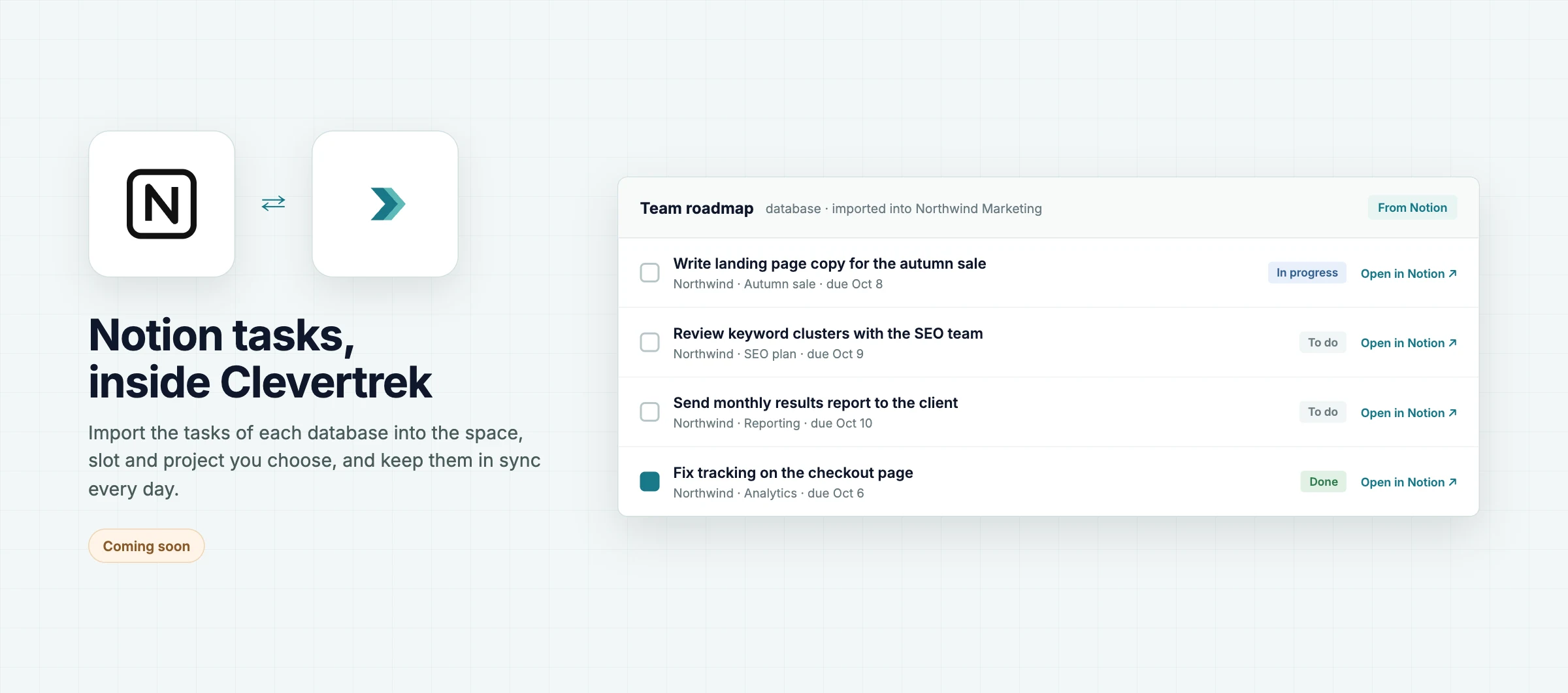
Connect Notion and import the tasks of your Notion databases into Clevertrek.
Follow progressCOMING SOON
ABOUT
The Notion Connector brings databases, tasks, properties, owners into your Clevertrek workspace. Once connected, the data is available in your tools, dashboards and reports, and to the AI chat in your projects.
You choose which accounts to share. Data is normalized so you can combine it with other sources, and you can disconnect at any time.
HIGHLIGHTS
Databases available in every tool
Tasks available in every tool
Properties available in every tool
Owners available in every tool
Read-only access to your account
Choose which accounts to share
HOW IT CAN HELP YOU
Stop exporting and pasting data by hand
Use the same data in dashboards, reports and chat
Combine Notion with your other sources
Keep a clear record of what is connected
HOW IT WORKS
01Open Connectors in your workspace
02Sign in with Notion
03Choose the accounts to share
04Use the data in your tools
WHO IS IT FOR
Project managers
Keep tasks in sync
Agencies
Connect each client once
Analysts
Skip manual exports
Teams
Share one source of truth
WORKS WITH
NONotionCTClevertrek tools
Works well with
All tools and connectors →SUSurveysBuild surveys and forms, share them with a link, and analyze the responses.ILIdeation LabBrainstorm, card sort and prioritize ideas with your team, with AI suggestions you accept or discard.IEImpact / Effort PrioritizationDot voting plus an impact/effort matrix.
ctadp v2.6.6