
DBDimension Blending · by Clevertrek
Define a segment once, filter everything at the same time
Define a segment once, like a country or product line, and filter Ads, Analytics and more at the same time.
Access for FreeINCLUDED · AI IS PAY AS YOU GO
ABOUT
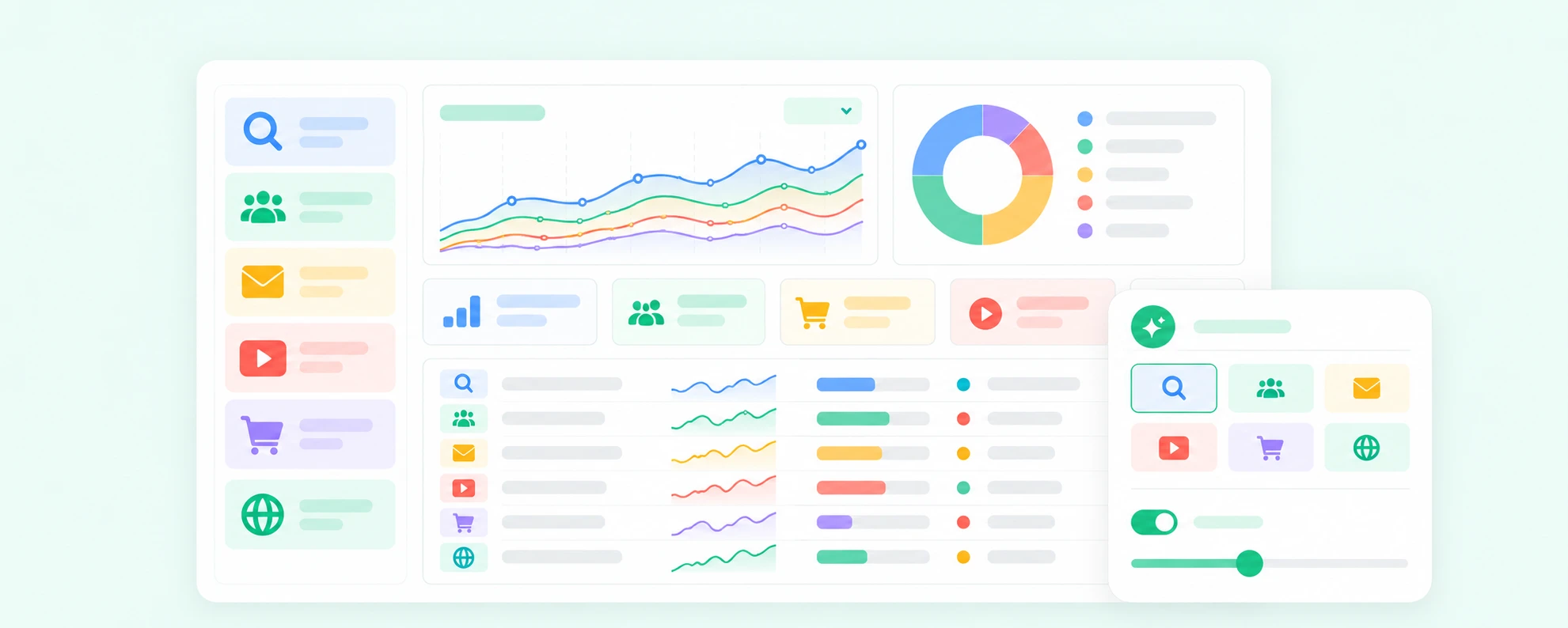
Dimension Blending maps the dimensions of your sources onto one shared definition. Define a segment once, such as a country, a product line or a campaign group, and every connected source follows it.
The same segment is applied to Ads, Analytics and Search Console without rebuilding filters.
HIGHLIGHTS
One segment definition for all sources
Map countries, products and campaigns across platforms
Apply a segment to any dashboard or report
Rules by name, URL pattern or value list
Preview matches before saving
Share segments with your team
HOW IT CAN HELP YOU
Compare channels using the same segment
Stop rebuilding filters in every tool
Keep naming differences from breaking reports
Reuse segments across clients
HOW IT WORKS
01Choose the sources to blend
02Define a segment with rules
03Review the matches in each source
04Apply the segment in dashboards and reports
WHO IS IT FOR
Performance marketers
Compare Ads and Analytics by segment
Agencies
Reuse definitions across clients
Analysts
Keep dimensions consistent
E-commerce teams
Follow each product line everywhere
WORKS WITH
GA4Google Analytics 4ADSGoogle AdsGSCGoogle Search Console
Works well with
All tools and connectors →LDLive DashboardsBuild live BI dashboards by chattingADSGoogle Ads ConnectorConnect your Google Ads account to bring your accounts, campaigns and their results into Clevertrek.GA4Google Analytics 4 ConnectorConnect your Google Analytics 4 account to bring your traffic, events and conversions into Clevertrek.
ctadp v2.6.6